How to use the database search filters on Cuba Research Project
Hello Cuba Research Project readers, here is a small tutorial on how to use the search filters for the databases. It is quite easy, but if you run into any issues or have a question, please do not hesitate in contacting us.
Website Search Bar
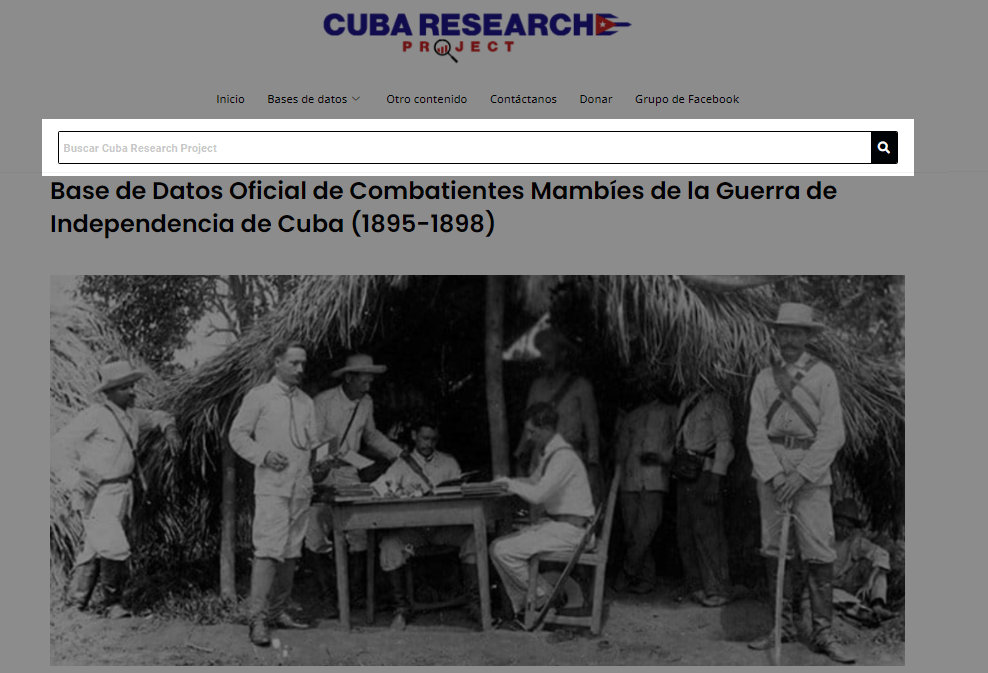
Please note that the website search bar highlighted here DOES NOT search for names or any other data INSIDE the databases. It simply searches the entire catalog of the website. You can use this search bar to look for database publications or any other content on the website. For example if you type "Matanzas" it will show you the post containing the "Instituto De Segunda Enseñanza de Matanzas" database. If you type "Historia" it will yield a result showing you the publication for the "Historia de Familias Cubanas." and so on.
To filter databases, see below.
Database filtering
The "search" box on the top right of the databases searches in all columns and cells of the database. For example, if you type in "Fernandez" into the search, it will yield any entry that contains "Fernandez."
Please do not type entire names here. Use single words in the "search" box.
To look for entire names, see below.
Highlighted here are the column filters.
Lets say that you want to look for the name: "Fernando Abado Sanchez"
You can use the column filters to do so, see below.
Now, lets say you want to run a partial search for the last names: Sanchez Valdivia. You can do so as well by inputting Sanchez and Valdivia in the corresponding column filter.
See below:
To reset or clear the filters, click on "Clear Filter."
See highlighted area below:
Search the archive · All collections · Sitemap